The monthly close is the routine that turns a bank statement into decisions. This spreadsheet connects the month's payments and receipts to the management income statement, reconciles opening and closing cash and automatically calculates gross profit, margins, EBITDA and net income, with a benchmark column to compare each line against reference ranges.
What's inside
- Close tab: inflows, outflows and results from January to December; opening cash, capital contributions and loans, and closing cash to reconcile with your bank statements; total and net debt; and a customer base analysis with activations, churn and net additions.
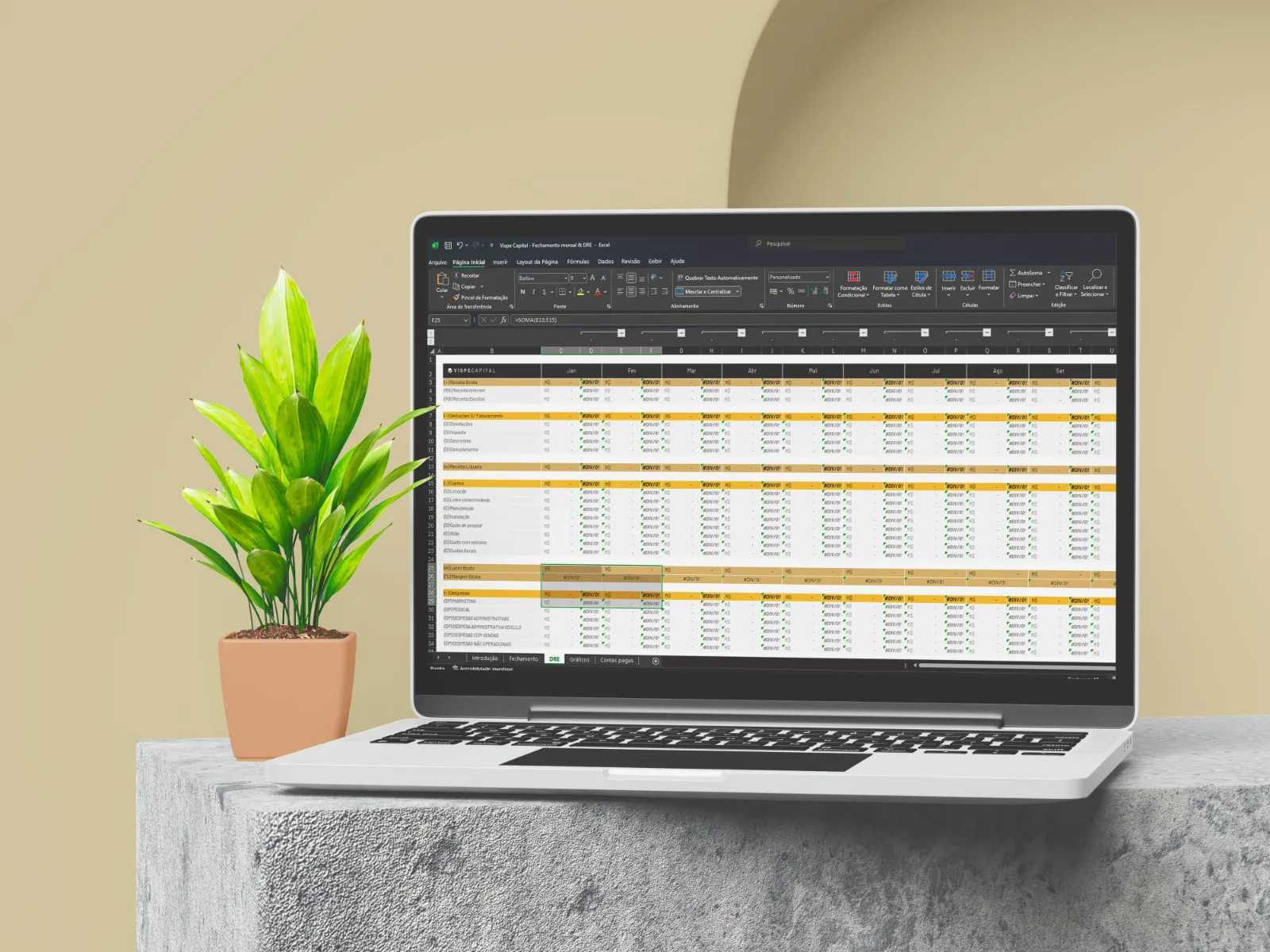
- Income statement tab: gross revenue, deductions, net revenue, costs, gross profit, expenses, EBITDA, financial result, income taxes, net income and the result after CAPEX, debt repayment and profit distribution, always with each line's percentage and benchmark.
- Mapping tab: links the categories in your ERP to the income statement lines.
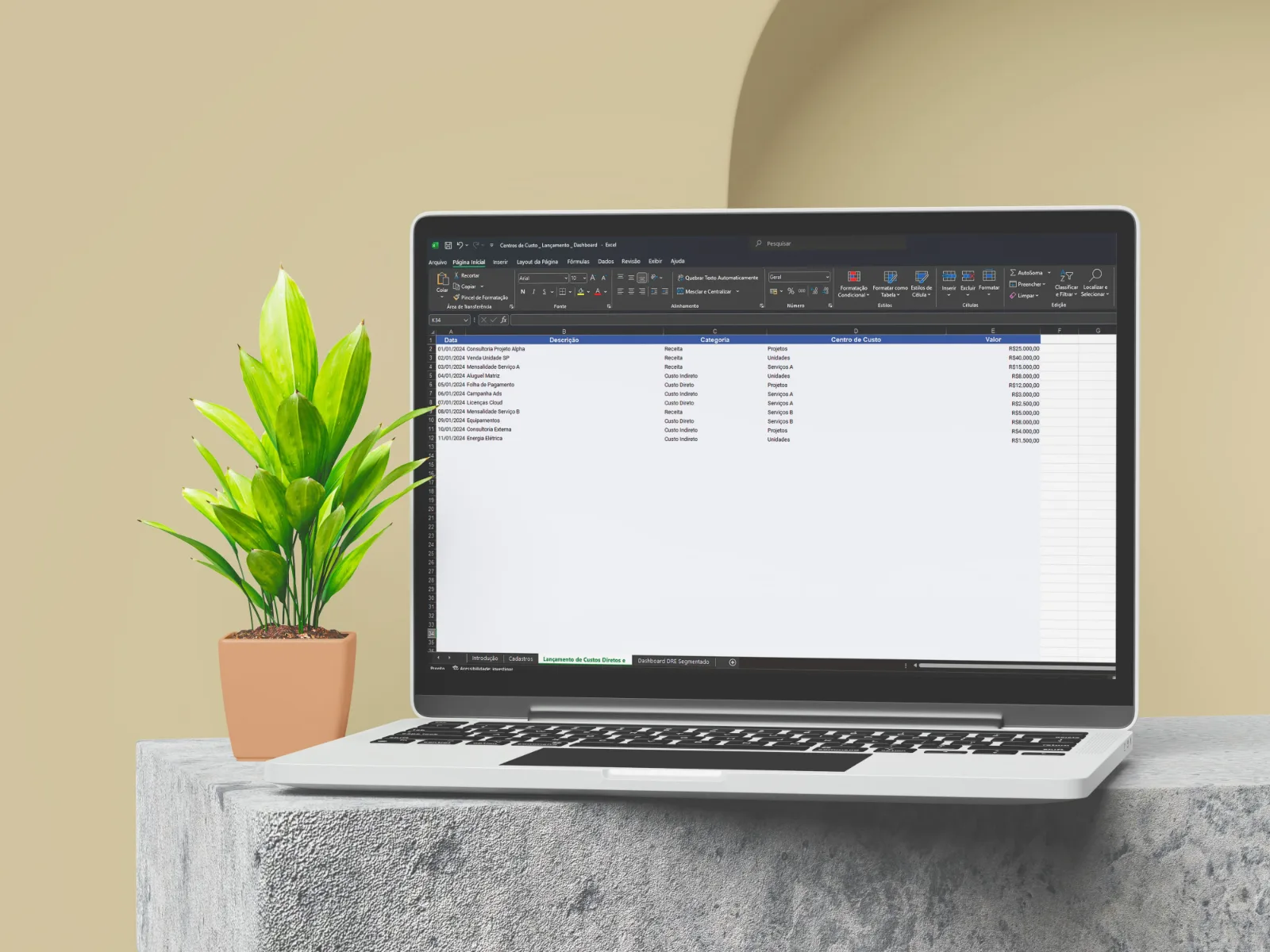
- Payments tab: an area to paste or enter the month's transactions, with the fields of an ERP export.
- Charts tab: revenue and cost trends for meetings with your partners.
Who it's for
- Business owners who want to close the month with reliable numbers.
- Finance and controlling managers who need to reconcile cash and the income statement.
- Companies with recurring revenue: the structure and benchmarks come from an internet service provider and can be adapted to other businesses.
How to use it
- Set up the mapping tab with the revenue, cost and expense accounts you use.
- Enter or paste the month's payments and receipts.
- On the Close tab, enter opening cash and any capital contributions, then check that closing cash matches your bank statements.
- Follow the income statement and the charts to decide based on the month's numbers.