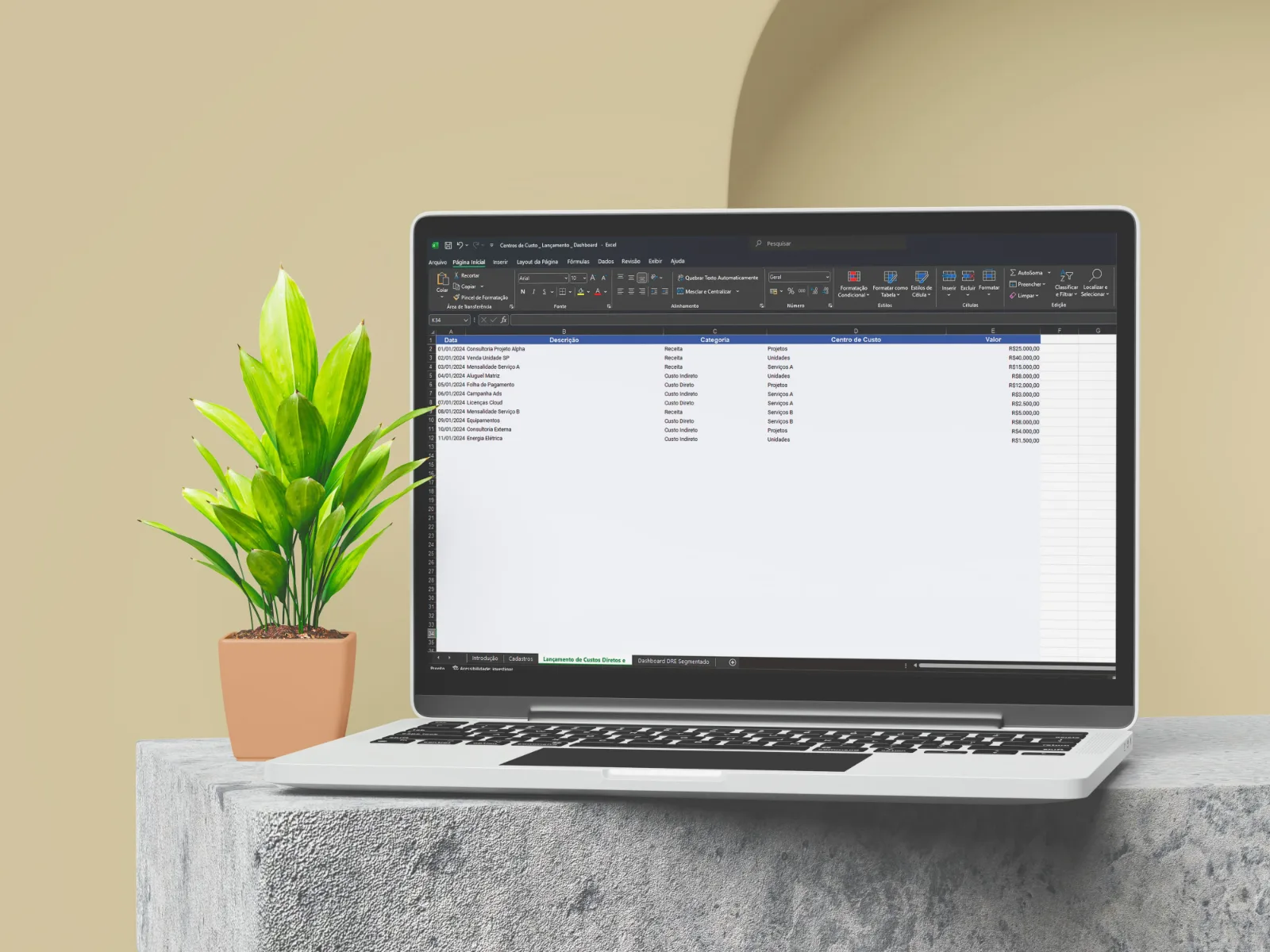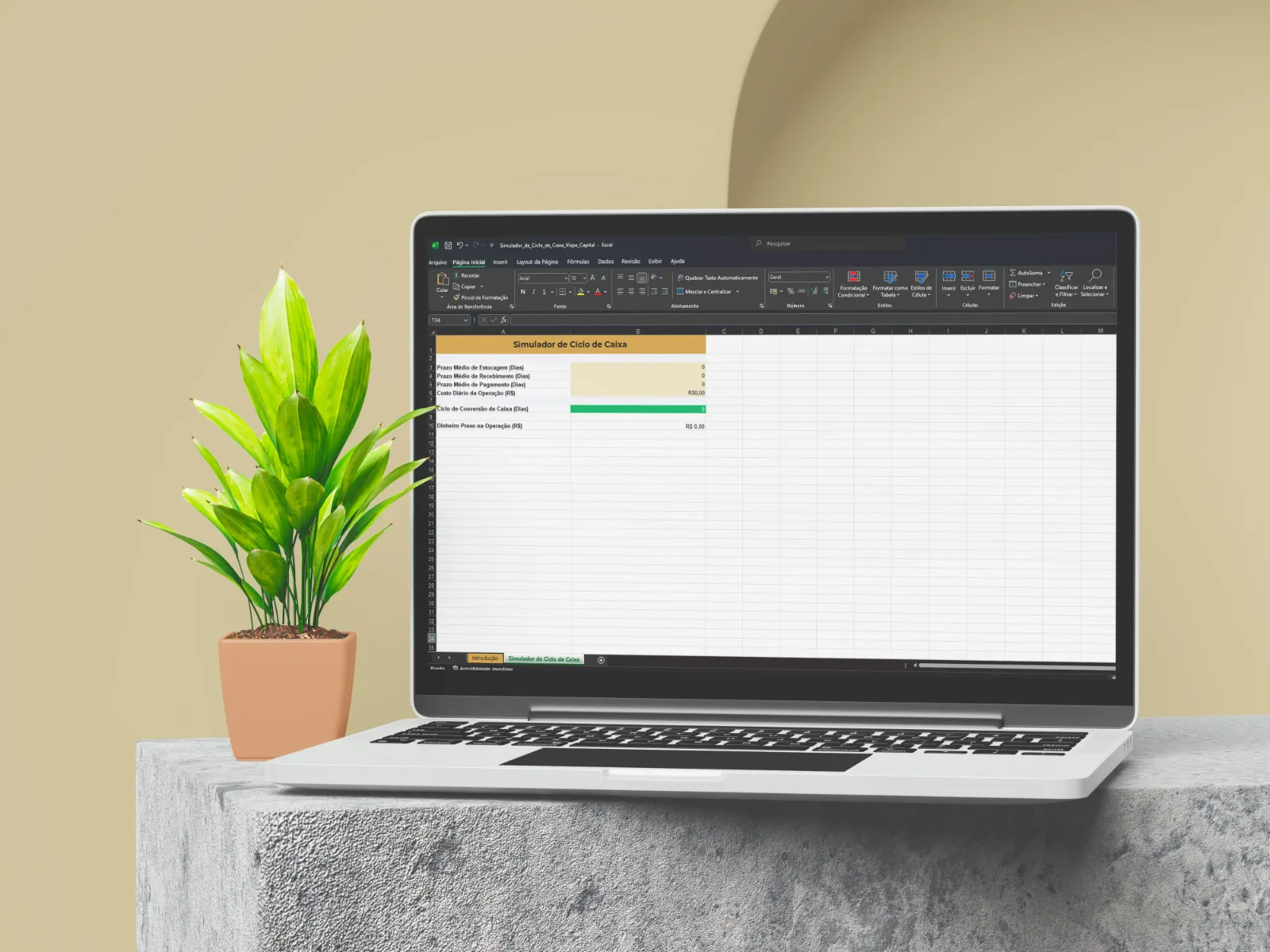
Without a well-structured chart of accounts, every entry becomes an improvised decision and the income statement stops being comparable from one month to the next. This template gives you the complete set of categories, organized in levels and codes, so every cash inflow and outflow is classified the same way every time.
The template was built from the operation of an internet service provider, with accounts such as bandwidth, points of presence and installation. The grouping logic, however, works for any company: just remove what doesn't apply and add your own sub-accounts.
What's inside
- A three-level hierarchy: macro (inflows and outflows), summary groups (such as costs, selling expenses and administrative expenses) and detail accounts, where each entry is posted, such as salaries, taxes and internet.
- Organized inflows: recurring and one-off operating revenue, non-operating revenue and cash inflows such as partner contributions and loans.
- Complete outflows: revenue deductions (Brazilian taxes ISS, PIS, COFINS, ICMS, DAS and the new IBS and CBS), costs, selling expenses, general and administrative expenses, financial expenses and income taxes.
- Labor detailed by team: salary, payroll charges, benefits and severance split for each area.
- Investments and debt kept out of the result: dedicated accounts for CAPEX, loans, financing, tax installment plans and dividend payouts.
- A how-to guide: how to adjust the chart, set it up in your ERP and classify every entry.
Who it's for
- Business owners and managers who want a reliable management income statement.
- Finance teams implementing or switching ERP systems.
- Internet service providers and recurring-service companies, which can use the template with almost no changes.
How to use it
- Go through the accounts, delete those that don't fit your business and add sub-accounts where needed.
- Set up the same codes and names in your ERP or cash flow spreadsheet.
- Whenever you record an inflow or outflow, always link it to the matching detail account.